.png)
How to Process Payments as a Mobile Groomer
Learn the best ways to accept payments in driveways and parking lots.

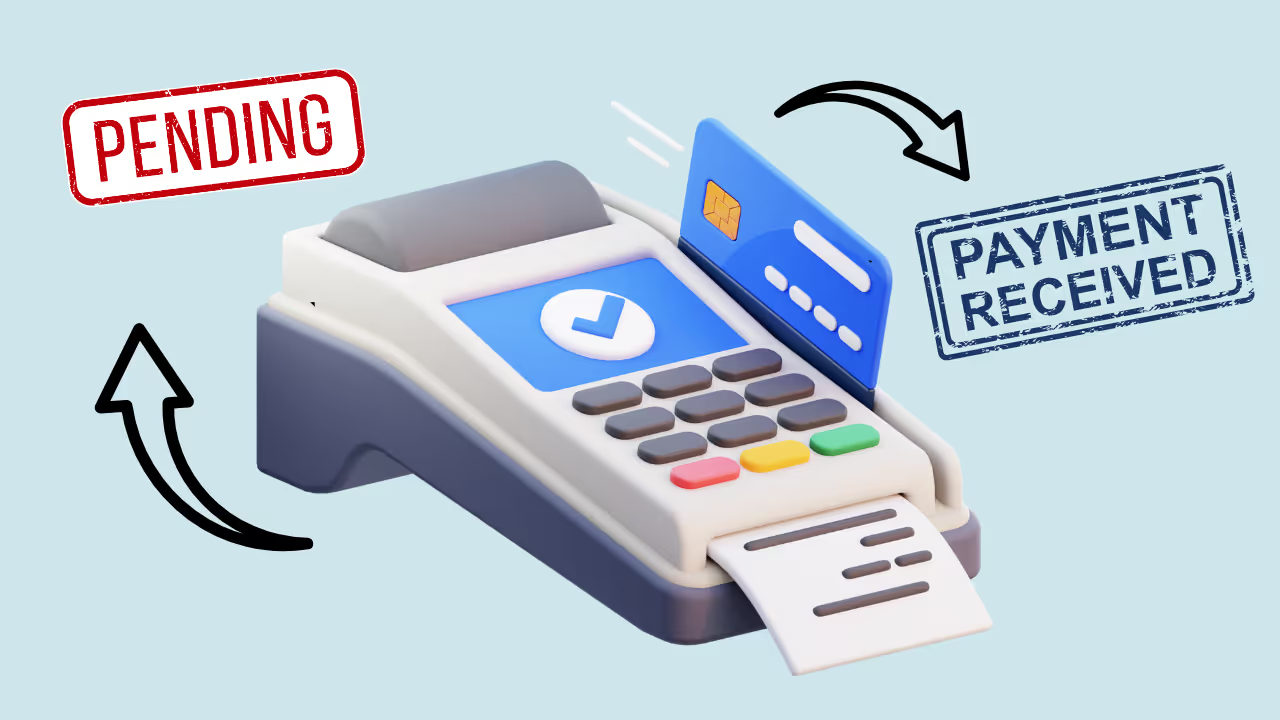


Processing payments in someone's driveway is different from having clients walk up to a counter. You need equipment that works without WiFi, transactions that complete quickly, and systems that don’t require a lot of fumbling around.
Here’s how to set up mobile payments that work smoothly every time.
Why Mobile Payment Setup Matters
The end of every appointment is your last impression. If you're struggling with equipment, asking clients to “wait while this loads,” or dealing with declined cards without a backup plan—you’re ending on a sour note.
A good mobile payment setup means:
- Fast checkouts — Under 30 seconds for most transactions
- Reliability — Works even with spotty cellular service
- Professionalism — You look prepared, not amateur
- Protection — You get paid, period
Payment Methods Mobile Groomers Accept
Credit/Debit Cards (Primary)
Cards should be your primary payment method. They are:
- Expected by most clients
- Faster than checks or cash
- Protected if disputed
- Recorded automatically
Hardware needed: Mobile card reader (see options below).
Contactless Payments (Preferred)
Apple Pay, Google Pay, and contactless cards are ideal for mobile setups:
- Fastest transaction type
- No card handling
- Works with phones and watches
- Increasingly common
Why it matters for mobile: No fumbling with cards, no waiting on chip readers, and usually no signature required for smaller amounts.
Cash
Some clients prefer cash. You can absolutely accept it, but:
- Have a secure place to store it
- Carry small bills for change
- Record cash transactions in your system
- Consider safety implications
Checks (Declining)
Checks are rare and problematic for mobile businesses:
- Can bounce
- Require deposit trips
- Hard to verify on the spot
- Slow to clear
If a client offers a check, politely suggest card or cash. If they insist, accept it—but note the delay risk.
Digital Wallets and Apps
Venmo, PayPal, Zelle, etc. can work, but have drawbacks:
- Less professional appearance
- Fees can be higher
- Harder to track
- Require both parties to have apps
Use these as backup methods, not your primary system.
Mobile Payment Hardware Options
Option 1: Square Reader (Recommended for Most)
Cost: $49 (often free for new accounts)
Fees: 2.6% + $0.10 per transaction
The Square Reader handles chip and contactless payments:
- Connects to your phone via Bluetooth
- Pocket-sized
- Fast transactions
- Extremely reliable
- Integrates with many grooming apps (including Teddy)
Best for: Most mobile groomers. It just works.
Option 2: Square Terminal
Cost: $299 (or payment plan available)
Fees: 2.6% + $0.10 per transaction
All-in-one device with built-in screen:
- No phone required
- Optional receipt printing
- Larger and more visible for clients
- Better for higher-volume operations
Best for: Mobile groomers doing 8+ dogs per day who want dedicated hardware.
Option 3: Stripe Reader
Cost: $59
Fees: 2.7% + $0.05 per transaction
Similar to Square but integrates with Stripe’s ecosystem:
- Ideal if you already use Stripe
- Developer-friendly
- Strong API for custom setups
Best for: Tech-savvy groomers with existing Stripe integration.
Option 4: PayPal Zettle
Cost: $29 (first reader)
Fees: 2.29% + $0.09 per transaction
Competitive alternative:
- Slightly lower fees
- PayPal ecosystem integration
- Good hardware quality
Best for: Groomers already using PayPal for business.
Our Recommendation
Start with Square Reader. It’s reliable, widely supported, and integrates well with grooming software like Teddy. You can upgrade to Square Terminal later if needed.
Setting Up Mobile Payments (Step by Step)
Step 1: Choose Your Processor
For most mobile groomers, Square is the best choice:
- Go to squareup.com
- Create a free business account
- Enter your bank details for deposits
- Order a reader (often free for new accounts)
Step 2: Download the App
Install the Square Point of Sale app (or your chosen processor’s app):
- Available for iOS and Android
- Free to download
- Log in with your business account
Step 3: Connect Your Reader
Pair your card reader:
- Turn on Bluetooth on your phone
- Turn on the reader
- Open the Square app
- Go to Settings → Hardware → Card Readers
- Follow the pairing instructions
Test with a small transaction if needed.
Step 4: Set Up Your Service Catalog
Add your services and prices:
- Full groom by size
- Bath and brush
- Add-ons (nails, teeth, etc.)
- Tip options
This makes checkout faster—just tap services instead of manually typing amounts.
Step 5: Configure Tax Settings
If you charge sales tax:
- Add your tax rate in settings
- Select which services are taxable
- Let the app calculate automatically
Step 6: Set Up Receipt Options
Choose how clients receive receipts:
- Text message — Fastest and preferred
- Email — Good backup
- Paper — Requires printer (not recommended for mobile)
Text receipts work best for mobile since they’re instant and require no extra equipment.
Step 7: Test Everything
Before your first client:
- Process a test transaction
- Verify it appears in your dashboard
- Confirm deposits are configured correctly
- Test receipt delivery
Integrating Payments with Grooming Software
Standalone payment apps work—but integrated systems are better.
Why Integration Matters
Without integration:
- Check appointment in grooming app
- Calculate total manually
- Open payment app
- Enter amount
- Process payment
- Manually record it in grooming app
With integration:
- Open appointment
- Tap “Checkout”
- Process payment
- Done — Payment automatically links to the appointment
Integration saves 1–2 minutes per transaction and reduces errors.
Teddy + Square Integration
If you're using Teddy:
- Go to Settings → Integrations → Payments
- Click “Connect Square”
- Authorize the connection
- Start processing payments
Checkout pulls the appointment total automatically. Payments link to client profiles. Reports combine scheduling and revenue data.
Other Integrations
Many grooming platforms support payment integration:
- MoeGo — Built-in processing or Square
- Gingr — Multiple processor options
- DaySmart — Square and others
Check your software’s integration options before choosing a processor.
Processing Payments in the Driveway
Before the Appointment
- Reader fully charged
- Phone fully charged
- Cellular signal confirmed
At Checkout Time
- Complete the groom and bring the dog to the client
- Pull up the invoice — “Let me get your total.”
- Confirm services — “We did a full groom plus nails today.”
- Present total — “[Pet name]’s total is $85.”
- Accept payment — Tap or insert card
- Offer tip option — Screen prompts automatically
- Send receipt — “Receipt to the number on file?”
- Thank them — “See you in 6 weeks!”
Total checkout time: 30–60 seconds.
Tips for Smooth Checkout
- Have the reader ready — Don’t dig through your van
- Position screen visibly — Let clients see the total
- Offer contactless first — “Tap or insert works”
- Handle tips gracefully — Don’t hover
- Confirm receipt delivery — “You should get a text in a few seconds.”
Handling Common Payment Situations
Card Declined
Stay calm and professional:
- “This one isn’t going through—want to try another card?”
- Don’t speculate about why
- Offer alternatives (another card, cash, backup app)
No Cell Signal
Options:
- Move to a better spot
- Use WiFi if available
- Enable offline mode (transaction processes later)
- Accept cash and record later
Client Wants to Tip Cash
- Process card payment for services
- Accept cash tip separately
- Record tip in your system
Disputed Charges
Processors like Square handle disputes:
- You’ll be notified
- Provide documentation (photos, signed forms, records)
- Most resolve in your favor with proper documentation
Deposits and Getting Paid
Standard Deposit Schedule
Most processors offer next-business-day deposits:
- Today’s transactions → In your bank tomorrow (weekdays)
- Friday transactions → Deposit Monday
- No additional fee for standard timing
Instant Deposits
Available for a fee (example: 1.75% with Square). Useful for emergencies—not daily use.
Cash Flow Tips
- Review processor dashboard weekly
- Reconcile with grooming software
- Keep a buffer for potential holds
- Understand payout timing around holidays
Security Considerations
Protecting Client Data
You don’t store card numbers—the processor does:
- Encrypted transactions
- PCI compliance handled by processor
- Card data never directly stored on your phone
Rule: Never write down card numbers.
Protecting Cash
If accepting cash:
- Avoid keeping large amounts in your van
- Deposit daily if possible
- Store securely and discreetly
Protecting Equipment
- Consider a backup phone
- Keep your reader charged
- Have a backup payment plan
Tracking and Reporting
Daily Reconciliation
At the end of each day:
- Review processor dashboard
- Match against grooming app records
- Note discrepancies
- Confirm pending deposits
Takes 5 minutes and prevents major issues.
Monthly Reports
Review:
- Total revenue
- Average transaction size
- Tips collected
- Processing fees paid
Compare against your grooming software reports.
Tax Preparation
- Processors issue 1099-K forms above thresholds
- Keep independent records
- Track tips as income
- Deduct processing fees as business expenses
Frequently Asked Questions
What’s the best card reader for mobile grooming?
Square Reader for most groomers. Reliable, affordable, widely recognized.
How much are processing fees?
Typically 2.6–2.9% + $0.05–$0.10 per transaction. On a $75 groom, about $2 in fees.
Should I add a fee for card payments?
Generally no. It can create friction and may be restricted legally. Build costs into pricing instead.
What if my reader dies mid-appointment?
Accept cash, use manual card entry (higher fee), or send an invoice later.
Do I need a separate business bank account?
Strongly recommended. It simplifies taxes and keeps finances clean.
How do I handle tips?
Let the payment screen prompt for tips. Most clients prefer tipping on card.
Setting Up for Success
Mobile payment processing isn’t complicated once configured. The key is:
- Choose reliable hardware — Square Reader for most
- Integrate with your grooming software — Save time and reduce errors
- Practice your checkout flow — Keep it smooth and fast
- Have backup options — Cash, manual entry, invoice
Get this right and you’ll end every appointment professionally, get paid immediately, and maintain clean, accurate records for your business.



![Teddy vs Gingr: Complete Comparison [2026]](https://cdn.prod.website-files.com/64ac1f211014e9b293d35a4a/698dede605a81497c71168d0_Teddy%20vs%20Gingr_%20Complete%20Comparison%20%5B2026%5D.png)